

5 Smart Home Tools for the Data-Driven Household
Most smart home tools promise convenience. Few deliver the kind of control that makes a data-driven household actually work.
The difference between a “smart” home and a truly intelligent one isn’t the number of gadgets—it’s whether those gadgets talk to each other, report useful data, and stay out of your way.
That’s the bar here. These five picks form a connected system, not a pile of standalone widgets.
Each one earns its place by solving a specific infrastructure problem: local processing, presence detection, energy metering, wall-mounted control, and backbone networking.
Think of it as a home lab starter kit for people who’d rather read a dashboard than shout at a voice assistant.
1. Home Assistant Green Hub — Local Control Without the Cloud Tax

The Logic:
Home Assistant Green runs everything locally, so your automations fire without pinging a remote server. For a data-driven household, that means faster response times, full data ownership, and zero subscription fees.
The trade-off is setup complexity. You won’t get a plug-and-play experience out of the box—expect an afternoon of configuration before things click.
That said, once the initial setup is behind you, the flexibility dwarfs anything a proprietary hub can offer. Zigbee, Z-Wave, Matter, Thread—this box speaks all of them through add-on adapters.
The Build:
- Processor: Quad-core ARM Cortex-A55, 1.8 GHz
- RAM: 4 GB LPDDR4
- Storage: 32 GB eMMC (expandable via USB)
- Connectivity: Gigabit Ethernet, USB 2.0 × 2
- Protocol Support: Zigbee, Z-Wave, Matter, Thread (via adapters)
Your landlord controls the thermostat—but with this on your network, you control everything else.
Check availability on the Home Assistant Green Hub
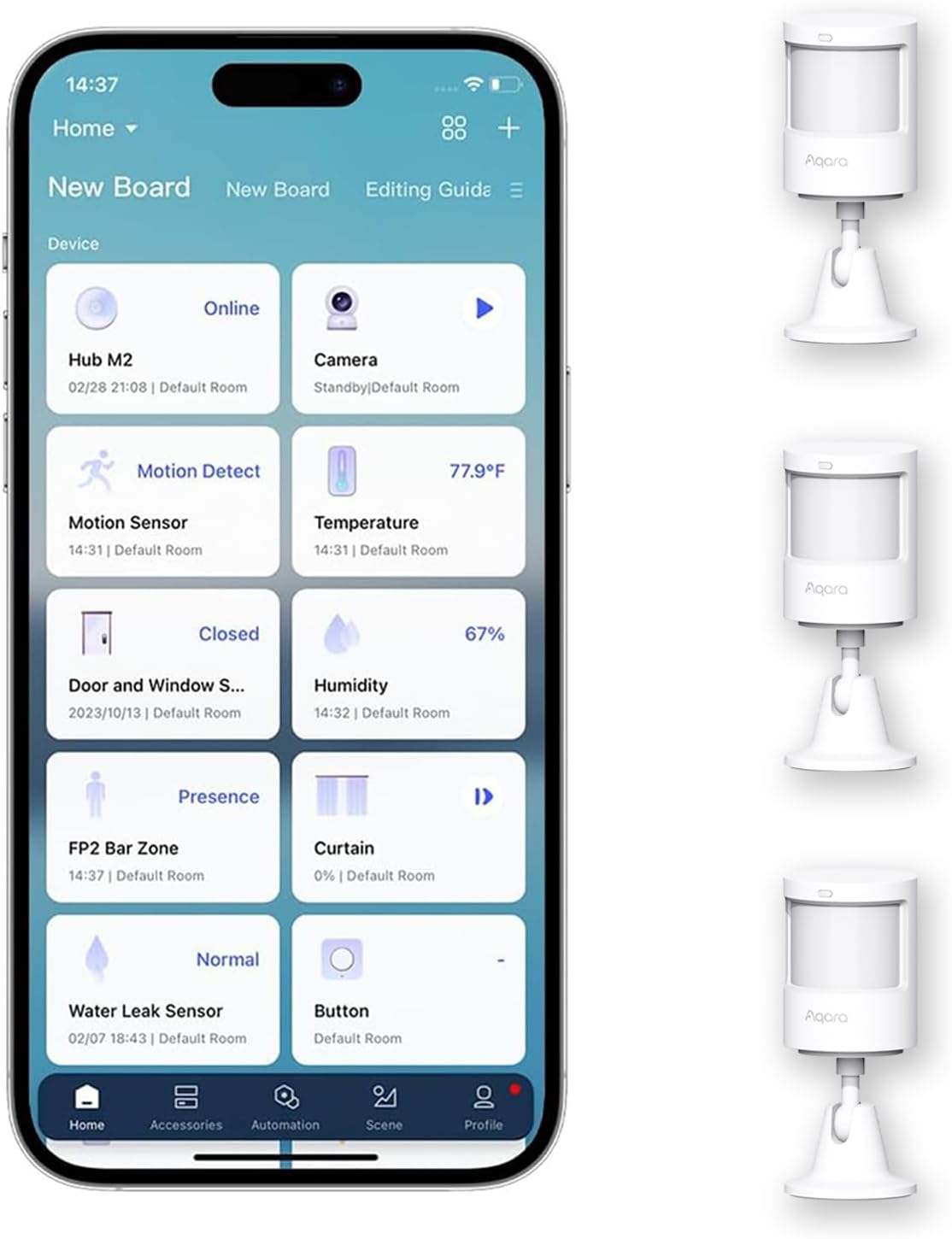
2. Aqara Zigbee Motion Sensor P1 — Presence Detection That Actually Keeps Up
The Logic:
Most motion sensors detect movement. The Aqara P1 detects presence—and the distinction matters when you’re building automations around room occupancy rather than just hallway triggers.
Sensitivity and detection angles are both adjustable, so you can tune false positives down to near zero in high-traffic zones. Because it runs on Zigbee 3.0, it meshes directly with the Home Assistant Green without a separate hub.
Battery life is the honest constraint here. Aqara rates it at five years, but heavy polling intervals cut that closer to two. Still, CR2450 cells cost almost nothing to replace.
The Build:
- Protocol: Zigbee 3.0
- Detection Range: 7 m (adjustable sensitivity)
- Detection Angle: 170° horizontal
- Battery: CR2450 (rated ~5 years, variable with polling)
- Mounting: Magnetic base with adhesive or screw options
Lights that turn off while you’re still reading aren’t smart—they’re just rude.
Check availability on the Aqara Zigbee Motion Sensor P1
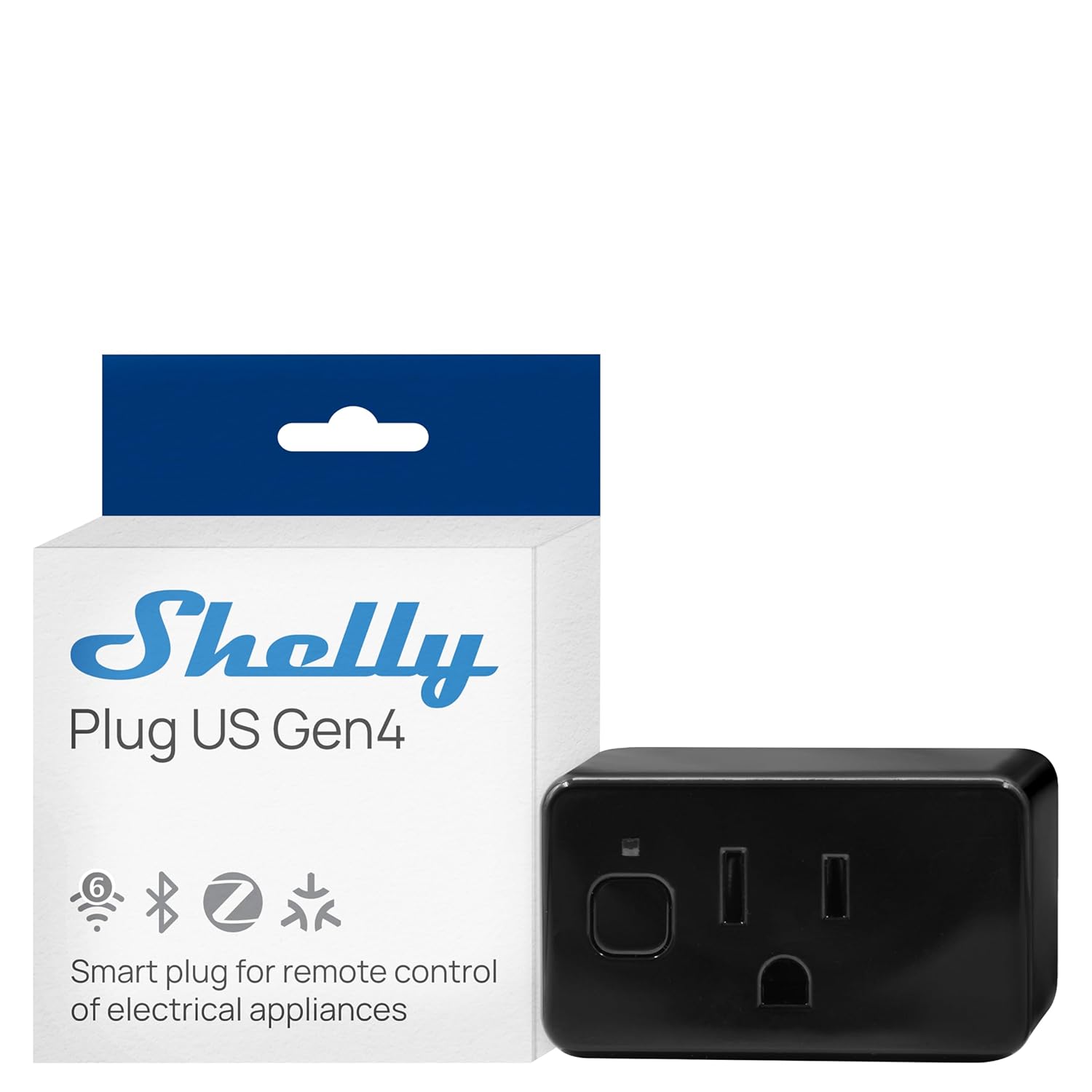
3. Shelly Smart Plug US Gen 4 — Energy Metering Without the Guesswork
The Logic:
The Shelly Gen 4 isn’t just an on/off switch. Built-in energy metering tracks real-time wattage, so you can finally put numbers behind which appliances are bleeding your utility bill.
More importantly, it runs local firmware and integrates natively with Home Assistant—no cloud dependency, no vendor lock-in. Automations based on power thresholds open up genuinely useful triggers, like notifying you when a dryer cycle ends.
At roughly $25 per plug, cost adds up fast if you’re instrumenting an entire house. In practice, targeting your top five energy consumers delivers 80% of the insight at 20% of the expense.
The Build:
- Max Load: 15A / 1800W
- Metering: Real-time energy monitoring (W, kWh)
- Connectivity: Wi-Fi 802.11 b/g/n, Bluetooth 4.2
- Firmware: Local API, MQTT, Home Assistant native
- Certifications: UL Listed, FCC
You can’t optimize what you can’t measure—and your electric bill won’t itemize itself.
Check availability on the Shelly Smart Plug US Gen 4
4. SONOFF NSPanel Smart Switch — Wall-Mounted Dashboard for Tactile Control

The Logic:
Touchscreens belong in the kitchen and hallway, not just in your pocket. The NSPanel replaces a standard US light switch and adds a 3.5-inch display for scene control, thermostat adjustments, and real-time sensor readouts.
With custom firmware like NSPanel Lovelace UI, it transforms into a wall-mounted Home Assistant dashboard. For households where not everyone wants to open an app, physical controls remove friction.
The catch is firmware flashing. Stock SONOFF firmware is cloud-dependent and limited. Getting full value requires flashing Tasmota or a similar open-source alternative, which voids the warranty and demands some technical comfort.
The Build:
- Display: 3.5-inch TFT capacitive touchscreen, 480×320
- Switch: Dual-gang relay, 10A per channel
- Connectivity: Wi-Fi 802.11 b/g/n 2.4 GHz
- Processor: ESP32 dual-core
- Compatible Firmware: Tasmota, NSPanel Lovelace UI, stock eWeLink
The best interface is the one your whole household will actually use—and nobody ignores a switch on the wall.
Check availability on the SONOFF NSPanel Smart Switch
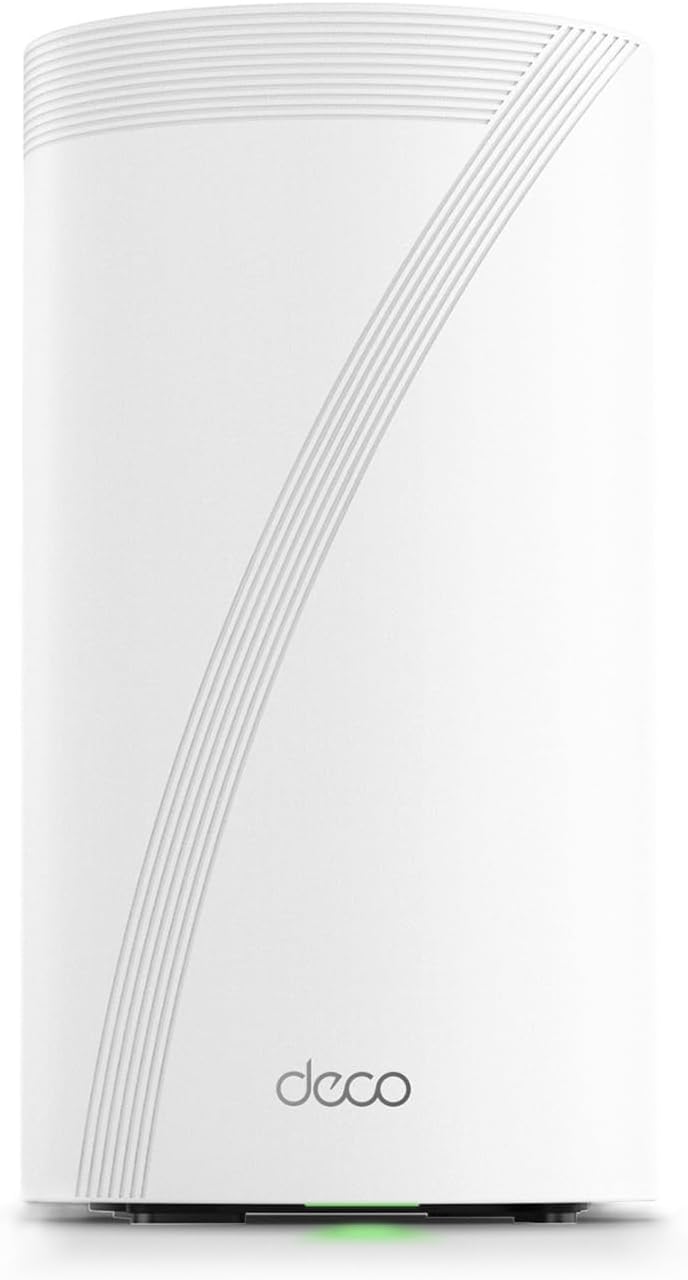
5. TP-Link Deco 7 Elite BE85 — The Network Backbone Everything Else Depends On
The Logic:
None of the smart home tools above matter if your network can’t handle the traffic. The Deco BE85 runs Wi-Fi 7 with dedicated backhaul, which means your IoT devices aren’t competing with 4K streams for bandwidth.
Mesh coverage scales up to 7,200 square feet with a two-pack, and the built-in IoT network segmentation keeps your smart devices on a separate VLAN from your personal traffic. For security-conscious users, that’s table stakes.
The honest trade-off is price. Wi-Fi 7 mesh systems remain premium hardware, and most smart home devices only use 2.4 GHz anyway. You’re future-proofing here, not solving an immediate bottleneck.
The Build:
- Standard: Wi-Fi 7 (802.11be), tri-band
- Max Speed: Up to 22 Gbps aggregate
- Coverage: Up to 7,200 sq. ft. (2-pack)
- Ports: 2× 10 GbE, 2× 2.5 GbE per unit
- Security: WPA3, built-in IoT network segmentation
A smart home with bad Wi-Fi is just a collection of expensive paperweights with blinking LEDs.
Check availability on the TP-Link Deco 7 Elite BE85
The Bottom Line
A smart home isn’t a shopping list—it’s architecture. These five smart home tools form a layered system: local processing at the core, sensors feeding data in, metering tracking consumption, a physical interface for daily control, and a network backbone holding it all together.
Start with the Home Assistant Green and one or two Aqara sensors. Build outward from there as your automations justify the investment. Every addition should solve a specific problem, not just add another app to your phone.
The best data-driven households aren’t the ones with the most devices. They’re the ones where every device earns its place on the network.
